Driving the game
The PowerShell module BeDD.psm1 ships next to the module and talks to the game over its control pipe
(\\.\pipe\BeDD unless the config names another one):
Import-Module .\mods\BeDD\BeDD.psm1
Connect-BeDD                               # waits until the game is up
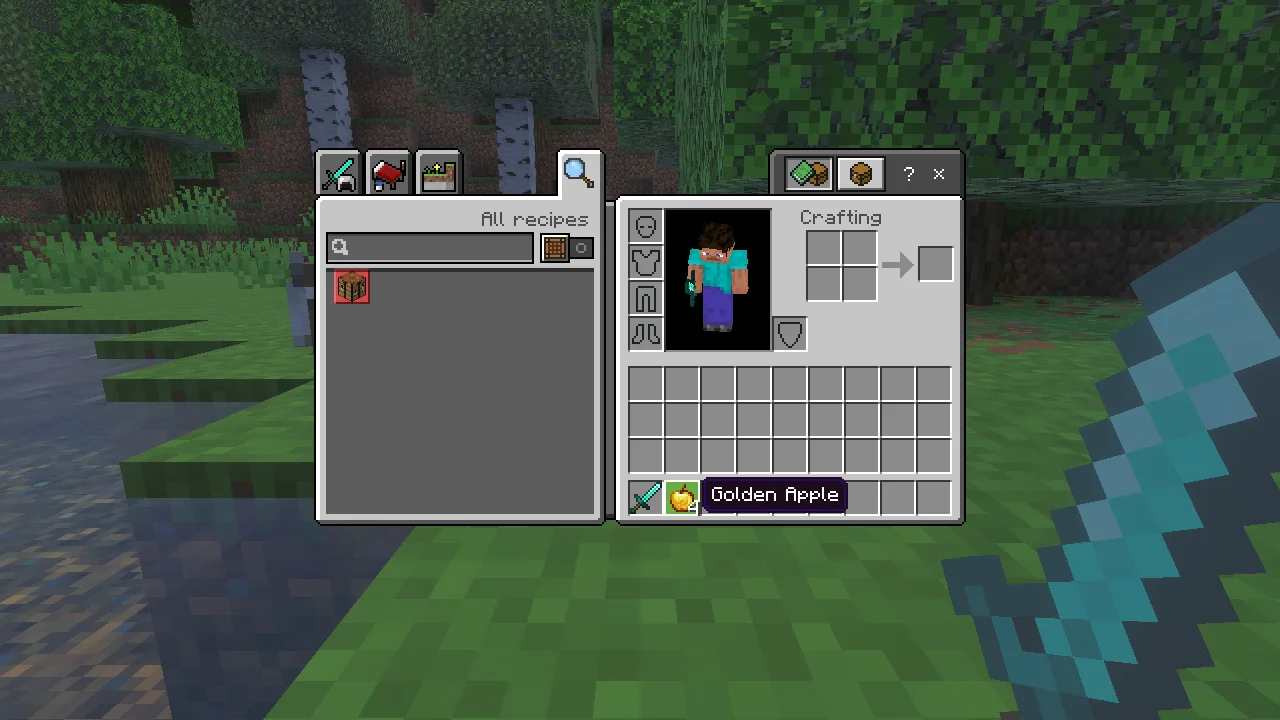
Send-BeDDKey E                             # open the inventory
Send-BeDDMouse click -RX 0.5 -RY 0.474     # click at a fraction of the window
Send-BeDDKey T; Send-BeDDText '/give @s apple 3'; Send-BeDDKey ENTER
Save-BeDDScreenshot C:\temp\shot.png       # works while the window is covered
Every input call returns once the game thread has processed the input (or throws). Nothing here moves the real cursor, presses real keys or changes the foreground window.
Commands
| Command | What it does |
|---|---|
Connect-BeDD [-PipeName p] | wait for the game and pick which game the next calls go to |
Send-BeDDKey E | press a key; -Action down/up to hold, -Vk 0x10 for any virtual key |
Send-BeDDText '...' | type text (no key presses, so t does not open chat); -DelayMs per character |
Send-BeDDMouse click -RX 0.5 -RY 0.5 | move, down, up, click, wheel at -X -Y pixels or -RX -RY fractions; -Button right |
Send-BeDDRaw move -Dx 200 | turn the camera in the world; click -Button right to use an item |
Clear-BeDDInput | release every key and button still held |
Save-BeDDScreenshot path.png / Get-BeDDBitmap | the game's picture, even when covered |
Set-BeDDWindow 1600 900 | resize the game window without bringing it forward |
Get-BeDDState | is the game up, how much input arrived, did it ever get the foreground |
Get-BeDDWorld | in a world? which screen, mouse grabbed, menu open, the player's position and rotation (gameHooks) |
Set-BeDDLook 90 -30 | turn the player to a yaw and pitch in degrees (gameHooks) |
Set-BeDDInput -Z 1 -Sprint -TtlMs 2000 | walk, jump, sneak or sprint the player through the game's input systems for a while, whatever the key bindings (gameHooks) |
Set-BeDDSlot 3 / Invoke-BeDDAction inventory | select a hotbar slot; drop, drop all, open the inventory, switch perspective, pause (gameHooks) |
Set-BeDDButton attack -Action down -ReleaseOnBlockChange | hold attack/use/pick for game ticks or until the targeted block breaks, without blocking the pipe (gameHooks) |
Send-BeDDPacket -Base64 ... | the player sends a chat or command packet a script serialized (allowSend) |
Send-BeDDStack -Buffer ... / -View | the player sends an item stack request a script serialized; -View shows the inventory as the client sees it (allowStack) |
The commands marked gameHooks, allowSend or allowStack need that config key turned on;
they exist for bedboo's transport bedd. Invoke-BeDD @{ op = '...' } sends
any request of the control pipe protocol as it is.
Key names
Letters, digits, ESC, ENTER, BACK, TAB, SPACE, SHIFT, CTRL, ALT, arrows (LEFT, UP, RIGHT,
DOWN), HOME, END, PGUP, PGDN, INSERT, DELETE, F1..F24, SLASH, GRAVE, MINUS, EQUALS. For any
other key pass its virtual key code with -Vk.
Positions
Send-BeDDMouse takes a point in the game window's client area: -X -Y in pixels, or -RX -RY as fractions of its
width and height. Fix the window size (config clientWidth/clientHeight, or Set-BeDDWindow) so a click lands
in the same place every run.
The mouse buttons and the wheel go to a virtual mouse the game reads instead of yours. Send-BeDDRaw moves that
mouse by raw counts, which turns the camera while the game has grabbed the mouse (in a world, no screen open).
Chat and commands
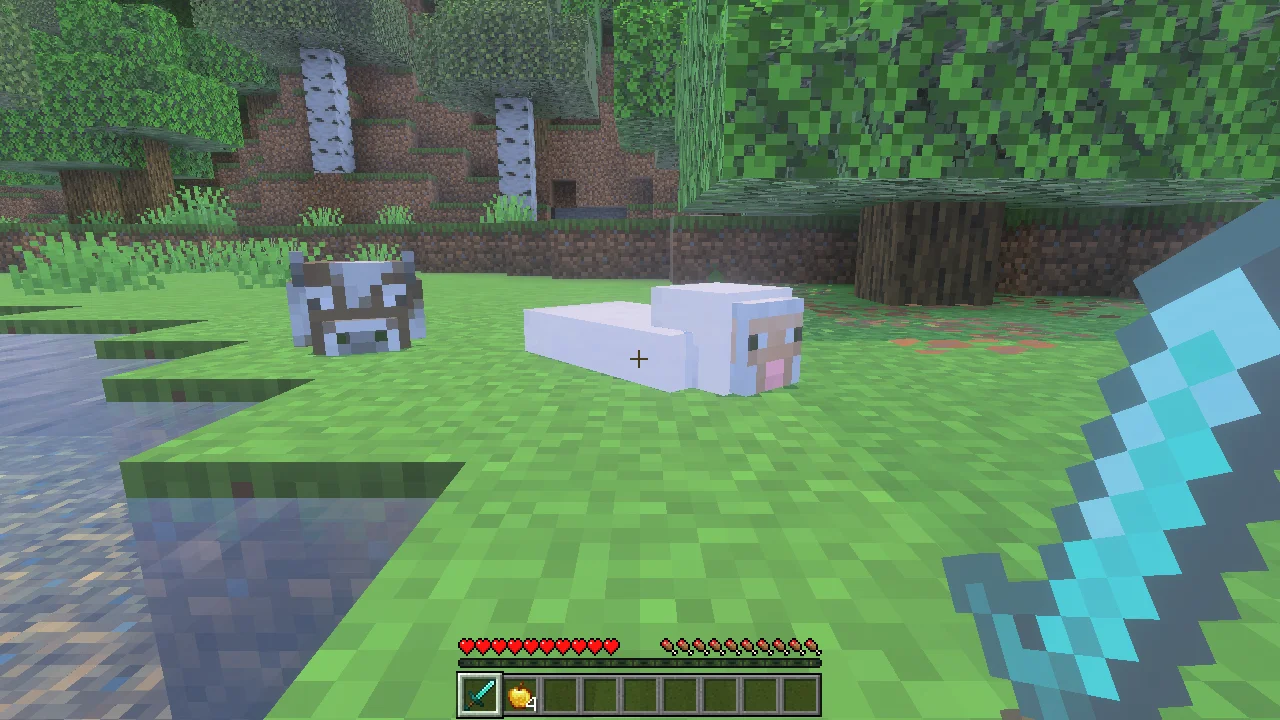
Send-BeDDText types text as characters, without key presses, so open the chat first with Send-BeDDKey T (or
SLASH) and send it with Send-BeDDKey ENTER. The game runs commands typed this way like a player typed them.
Screenshots
Save-BeDDScreenshot and Get-BeDDBitmap take the game's picture although its window is off screen, and while the
manager window is behind your other windows.
Which game
Connect-BeDD -PipeName <name> picks the game the following calls go to; BEDD_PIPE sets the default. Each game
instance needs a pipe name of its own when several run at once: see Several games at once.
Other scripts may use the same game's pipe at the same time (config pipeInstances). The keys and buttons a script
still holds are released when it disconnects or its process exits.